After sending the SMS, the Election Commission will send a reply with the voter's details.
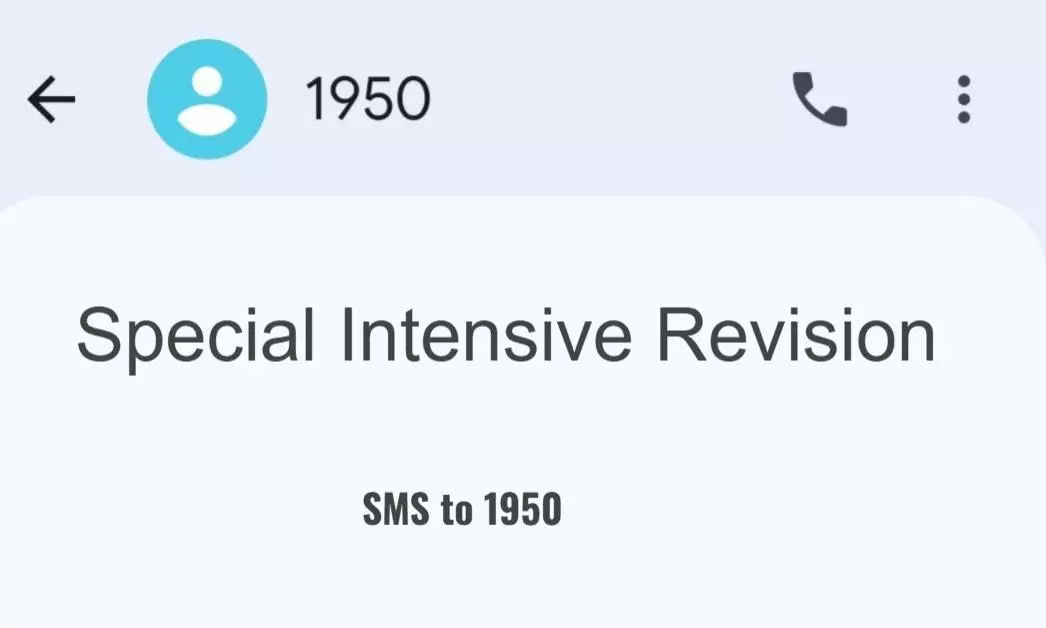
Hyderabad: As the Special Intensive Revision (SIR) of the electoral rolls is underway, voters can now check whether their details have been recorded by the Booth Level Officer or not. It can be done with a single SMS.
To check the status, voters need to send an SMS in the format ECI
After sending the SMS, the Election Commission will send a reply with the voter's details.
If the response includes the voter's name, EPIC number or other electoral information, it indicates that the details have likely been recorded under the SIR process.
If no relevant information is received, voters are advised to contact their Booth Level Officer (BLO) to verify their status. However, not receiving a reply does not necessarily mean that the details have not been registered.